





Getting Started in Camtasia Online
Learn how to record your screen to create and collaborate on free online video projects.

Learn how to record your screen to create and collaborate on free online video projects.
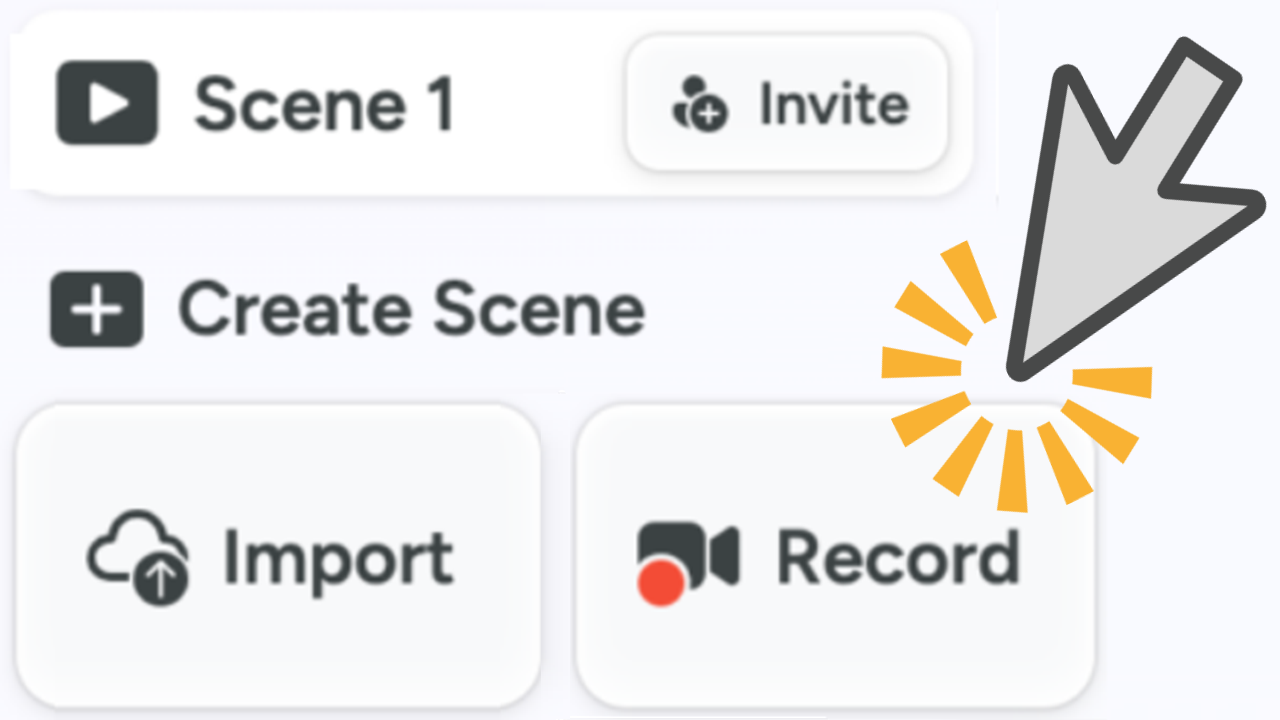
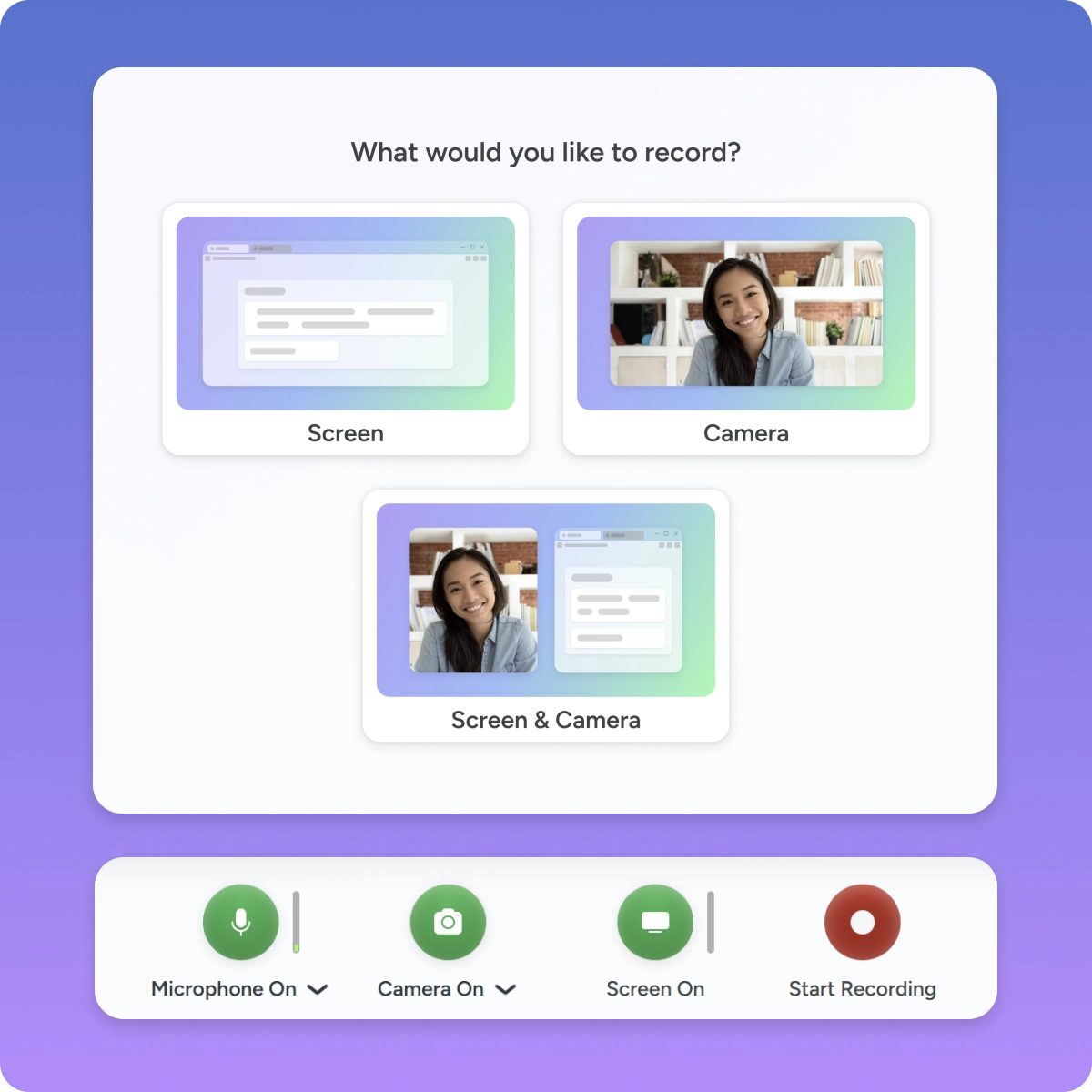
Record your screen, camera, and mic with Camtasia’s free online app. Add unlimited scenes (up to 5 min. duration per scene) to your video project.
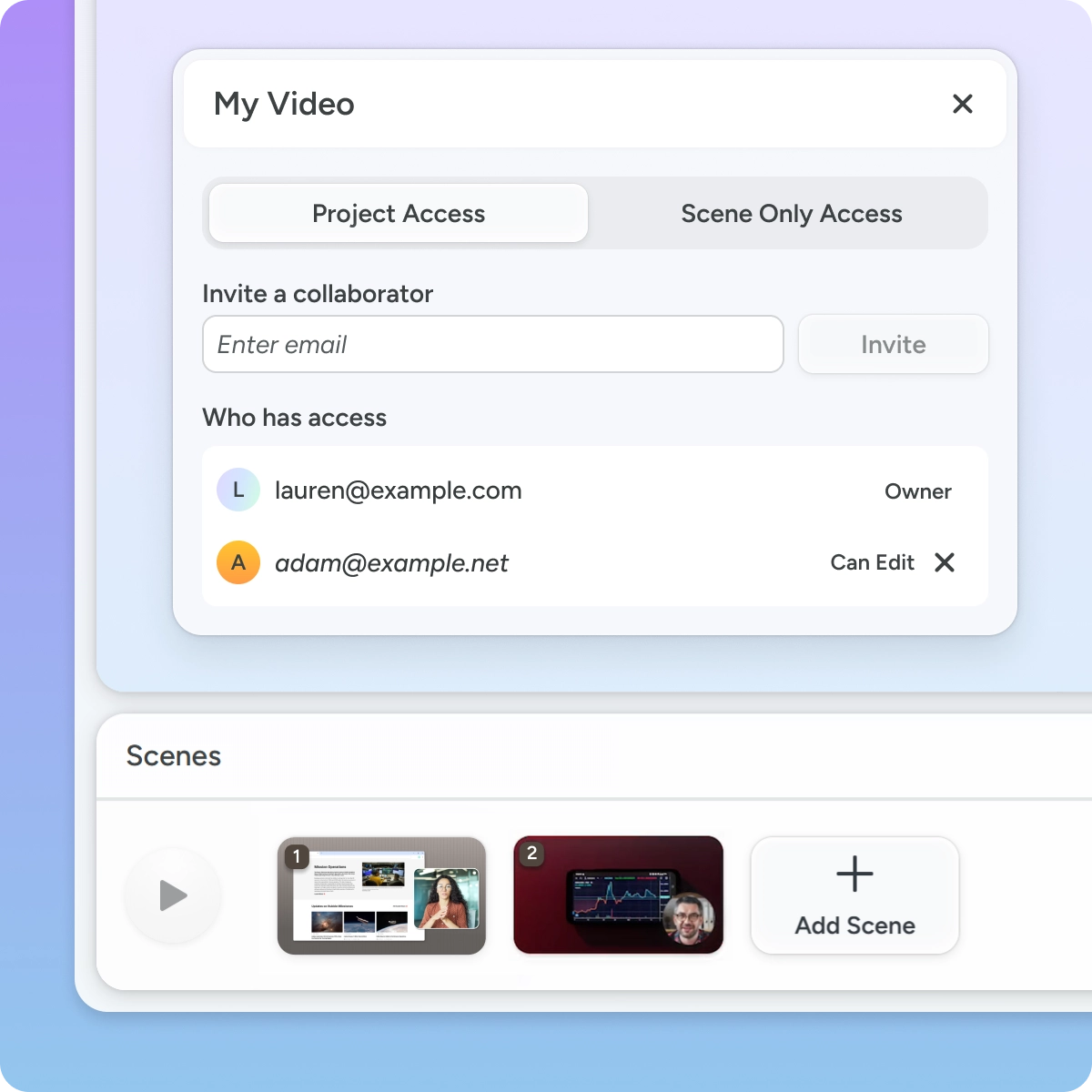
Invite others to record scenes and collaborate on your video project.
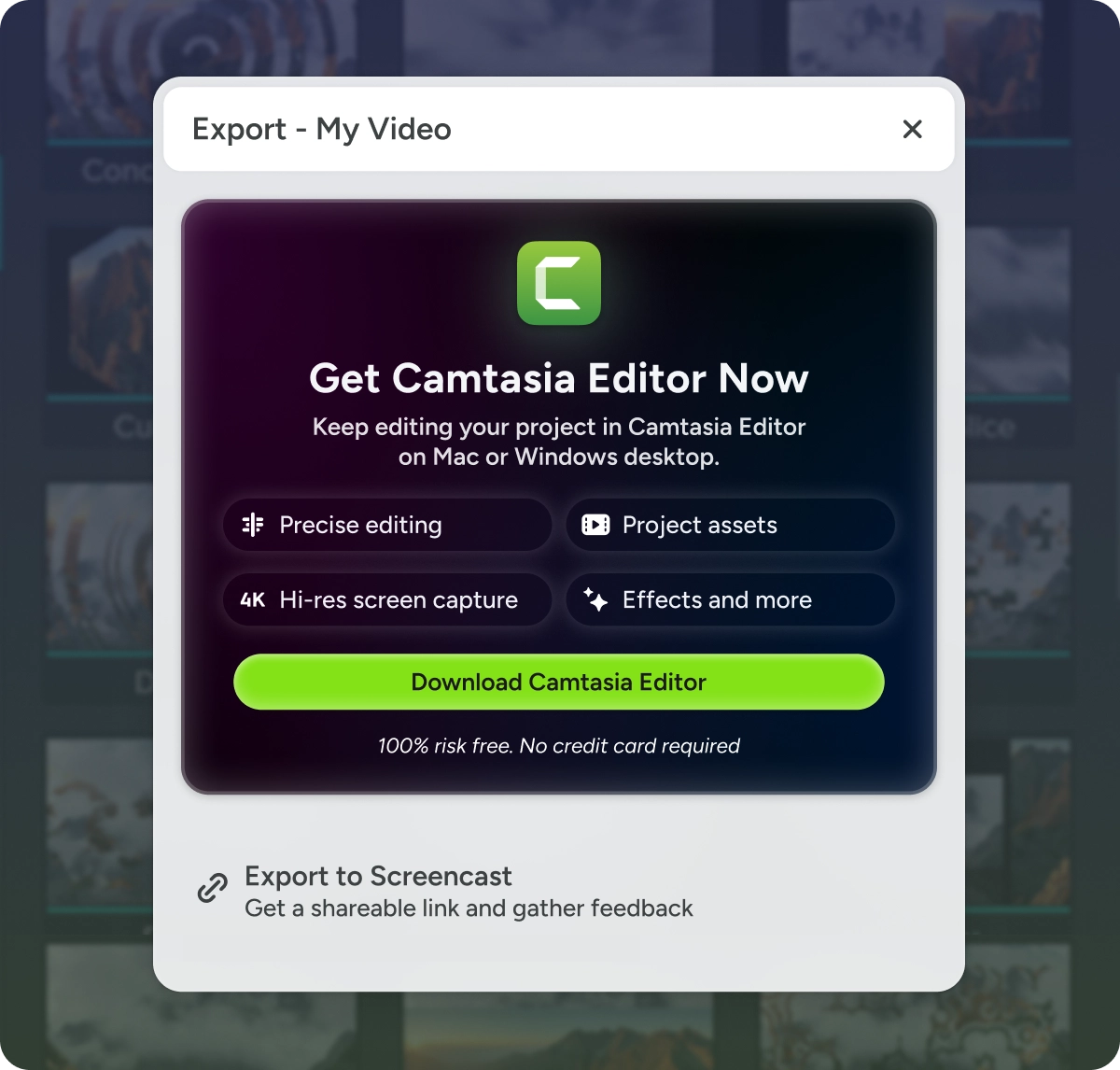
Send your video to Camtasia Editor on the desktop to continue editing and export your final video.
Get a shareable link on Screencast to get feedback or for quick video shares.